
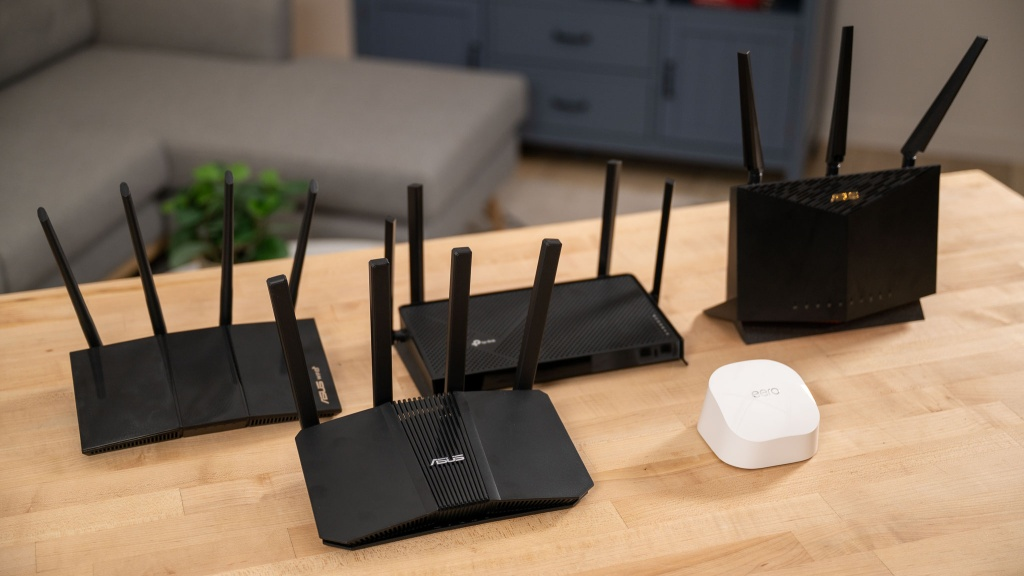
In 2026, a wifi router is more than a device providing internet access. It powers remote working and video conferencing, streaming and gaming, and other smart devices. As technology continues to develop and grow, so does the number of devices attached to our networks. This requires right sized router for homes and offices.
With new standards (WiFi 6, WiFi 6e, and WIFi 7) being released on the market, selecting the correct model can sometimes feel confusing or overwhelming. Speed ratings, coverage specifications, and advanced features may confuse you on the right wifi router to get
This wifi router buying guide 2026 will help you identify important factors to consider when selecting a router in 2026. It will also help in determining a model that fits your space, usage needs, and budget.
Table of Contents
What About the Wi-Fi Technology?
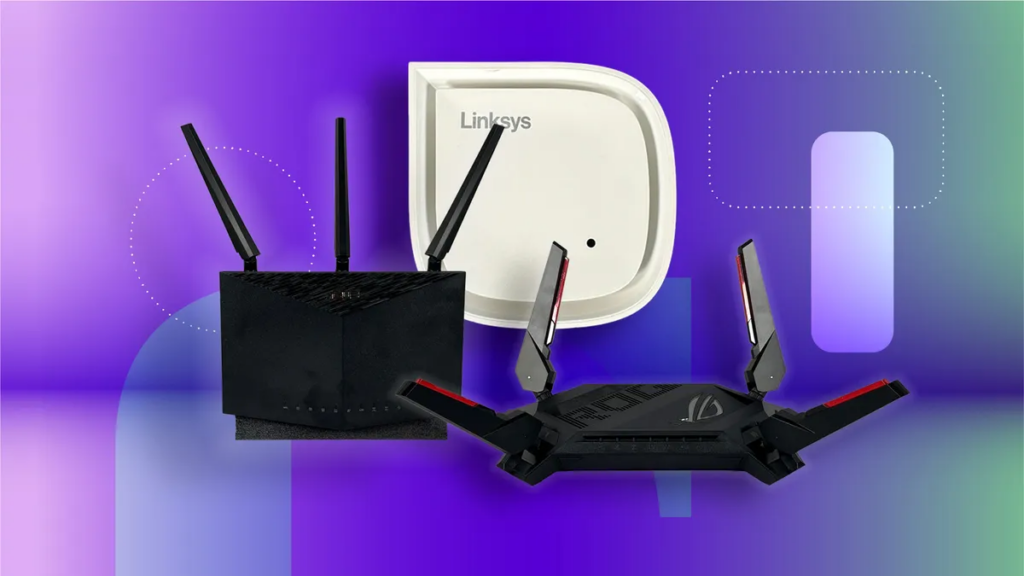
WiFi is a technology that operates by allowing devices to connect to the internet over a wireless connection rather than through the traditional cable-based method. It uses radio waves to transfer data from your home or business router to any of the WiFi-enabled devices you have, including your cell phone, laptops, smart televisions, AirPrint printers, and different security systems.
WiFi allows connection of multiple devices to a modem. This means you do not have to use an Ethernet cable to connect each device to the modem. The WiFi modem creates a wireless network in your home or business using the router as its main hub or central location through which data is sent and received. Using the router’s wireless networking technology allows you to use your devices to view, stream, download, upload, and communicate with other users through the internet.
The number of devices that connect to your WiFi network is increasing; For example, in 2026, the average number of devices that could be connected to your home WiFi network could range from 15 to 30, including smart doorbells, smart thermostats, gaming consoles, and/or work computers. However, WiFi is not only impacting our daily lives from a personal standpoint, but it can also affect how productive we are as a group in an office environment. Stable WiFi connections will play a key role in the effectiveness of video conferences, accessing cloud-based services, and sharing files among workers.
What Are the Different Wi-Fi Standards?
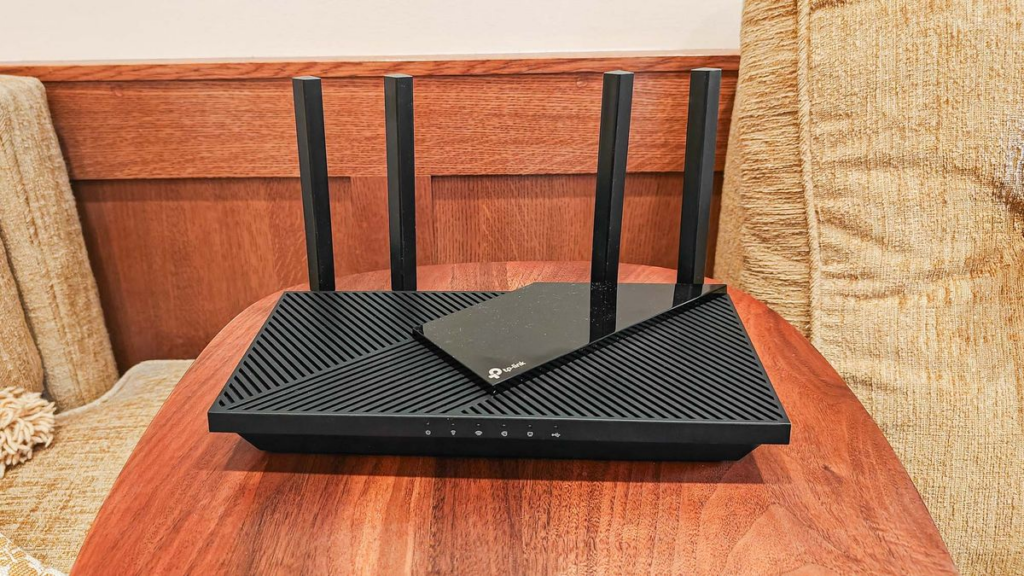
There are different wifi standards, and they determine the range, efficiency, and speed of the wireless connection. Here are the various wifi standards:
Wi-Fi 5 (802.11ac)
Wi-Fi 5 (802:11ac) is an upgrade for Wi-Fi 4. Officially introduced in 2014, it provides enhanced reliability when streaming high definition video, playing casual multiplayer video games, and browsing the internet. However, Wi-Fi 5 can suffer from degraded performance in the presence of a lot of concurrent users or devices. Despite this Wi-Fi 5 routers are still functional and usable when installed in more modest homes or when used to create basic or simple network setups.
Wi-Fi 6 (802.11ax)
Wi-Fi 6 (802:11ax) has now become the dominant standard throughout the industry, offering customers improved speed, coverage & efficiency compared to prior generations of Wi-Fi. In addition to supporting the original bands used by Wi-Fi 5 (and Wi-Fi 4) 2.4 ghz and 5 ghz at the same time, Wi-Fi 6 incorporates several new technologies (OFDMA and MU-MIMO, for example) that allow multiple devices to connect or communicate simultaneously. Considering how many new homes contain multiple connected devices at the same time, a Wi-FI 6 network will be able to easily support all of those types of devices.
Wi-Fi 6E
Wi-Fi 6E takes the Wi-Fi 6 standard and extends it beyond the previous frequencies to include the 6 ghz band. The addition of the 6 ghz frequency to the already established (2.4ghz & 5ghz) frequencies means that there will be an additional frequency available for users of Wi-FI 6E to connect, thus reducing network congestion and interference in dense urban areas such as apartments and office buildings.
Wi-FI 6E offers greater throughput rates as well as lower latency than those offered by prior generations of Wi-FI. This makes it suited for high-bit-rate streaming of content (such as 4K and 8K) as well as for use in virtual reality and for busy home or workplace networks with multiple users connected to those networks at the same time.
Wi-Fi 7 (802.11be)
This is the latest Wi-Fi Standard available in2026. It offers maximum speed, ultra-low latency, and the Ability to support two or more devices simultaneously. Wi-Fi 7 also includes new Wi-Fi features that support a larger channel size than previous versions, making it a good option for use in smart homes, gaming, and offices where there are a lot of devices connected to the internet. While Wi-Fi 7 standards are backward compatible, they will not work at their peak performance with non-Wi-Fi 7 devices.
Key Things to Consider Before Buying a Router
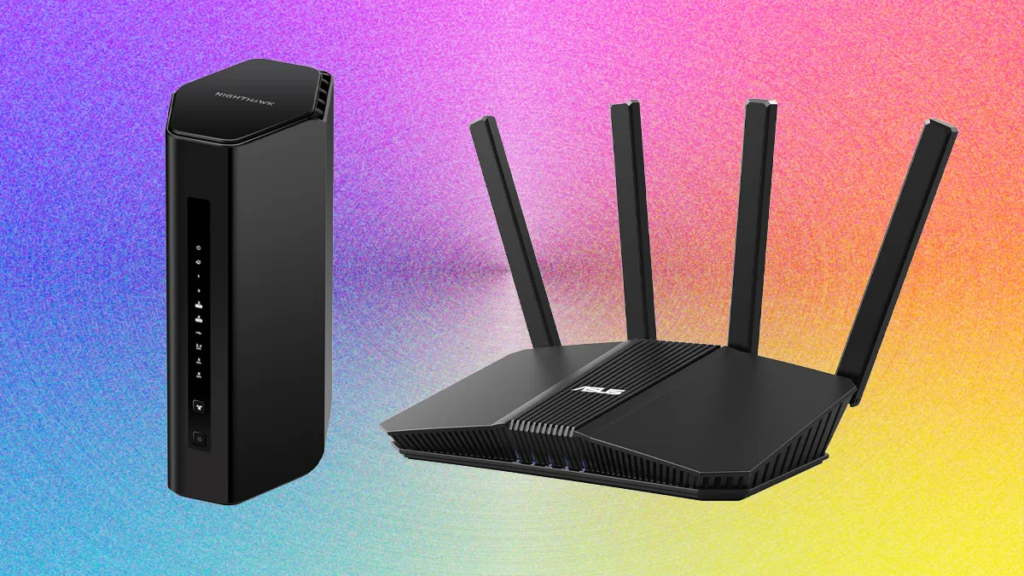
Here are the essential factors to consider before buying a Wifi router in 2026:
Speed and Performance
Router Speed affects overall performance. It is a major consideration when choosing a router. The router’s maximum potential speed is measured in megabits (Mbps) and/or gigabits (Gbps). Although a faster router (e.g., Wi-Fi 6 or 7) provides additional benefits when conducting video calls, streaming, and gaming, your maximum performance cannot exceed your current connection plan with your Internet service provider (ISP) or the number of devices connected to your router.
Coverage and Home Size
Another important factor to consider when buying a router is home size and the extent of the wireless coverage of the router. Wi-Fi coverage area is determined by the physical characteristics of the building in which you live. Therefore, smaller apartments typically can get away with using one dual-band router as long as it is located centrally. On the other hand, larger homes or apartments may require multiple wireless routers to create full wireless coverage. The placement of the routers throughout your building will also influence coverage.
Number of Devices and Usage Type
Devices & their usage type make the most impact on a router’s ability to manage traffic over a network. E.g., smartphones, laptops, smart TVs, security cameras, IoT devices, plus the count of devices connected to an individual device and their types will impact the total number the router can manage simultaneously. Routers with support for MU-MIMO and ofdma technologies can support multiple devices communicating at the same time without penalty. Also, knowing the total number of devices connected and their primary use numbers (i.e., streaming, gaming, VoIP) will help ensure the router you choose will not create a bottleneck on your network.
Frequency Bands
Different routers will require different frequency bands. It can be 2.4 GHz, 5 GHz, and the newer 6 GHz bands. A 2.4 GHz band router can transmit data over longer distances compared to the other two, resulting in slower speeds. However, it is suitable for use if the application does not require a high bandwidth. The 5 GHz band produces less interference while producing higher speeds. Thus, they could stream HD video, play games online, video chat, etc. A tri-band router will also have an additional 5 GHz or 6 GHz band to help reduce the amount of traffic on busy networks. This is extremely important in large homes or offices that have many devices connected to their network.
Security Features
Modern routers also require security. Many routers now offer WPA3 wireless encryption, guest network capabilities, and automatic firmware updates to help protect against vulnerabilities associated with wireless routers. Several wireless routers also have built-in firewall features and parental controls, assisting parents with children and small offices. A quality purchase of a wireless router will protect a user’s sensitive personal information and keep intruders from gaining access to the user’s network.
Wired Connectivity & Ports
While wireless technology continues to grow in popularity, wired connectivity is essential for reliability and speed. Check to see how many Ethernet ports the router has available (multiple are better) and whether it has the ability to support speeds of more than one gigabit. Some routers also include USB ports for connecting devices for shared storage. Wired connections are typically necessary for devices that need to be stable, fast, and have an uninterrupted supply of power, like video game consoles, desktop computers, or corporate server-based systems.
Ease of Setup & Management
A router’s overall performance is only matched by how easily you are able to use it. Typically, modern routers also include mobile apps and web interfaces that are designed to assist you with the installation process, even if you do not have any technical background. Another nice feature of many modern routers is that they allow the user to remotely monitor the network, turn on and off the router, or change configuration settings, regardless of where they are currently located. Finding a router that is easy to configure and manage will ensure that your network operates smoothly without requiring constant intervention.
Extra Features
Many of today’s routers come with features that improve performance, security, and overall convenience of use. Quality of Service (QoS) allows you to set priorities for different types of data so that your video calls and gaming have first dibs on the available bandwidth. Additionally, parental controls can be used to restrict kids from accessing certain types of content, while VPN capability adds extra security for remote work. Some routers can be combined with mesh networks so that you can seamlessly expand the coverage area in larger homes or offices. All of these extra features can lead to noticeable improvements in your daily use of Wi-Fi.
Choosing the Right Router for Your Home or Office
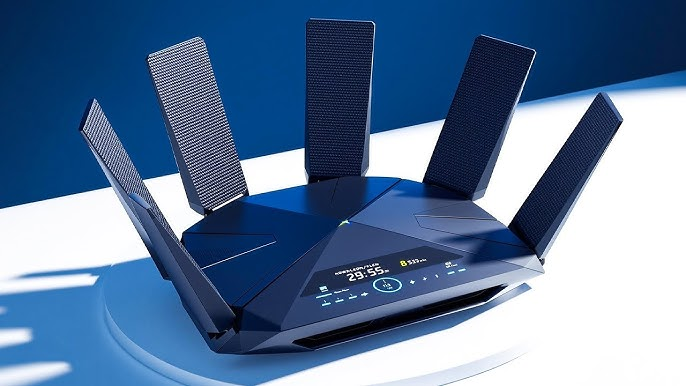
There is a need to know the most suitable router for each environment because not all router suits all environments. Here is a quick guide:
Small Apartments and Studios
For most small living spaces, a dual-band router will usually suffice. With this type of router, you’ll get a decent level of performance while also getting good coverage from your Wi-Fi without spending money on unnecessary features. Wi-Fi 6 technology is recommended for accommodating many different types of devices, including mobile phones, laptops, and smart TVs, within a smaller space.
Medium-Sized Homes
Homes with multiple rooms or two-story structures generally require either stronger routers or an entry-level mesh networking system to effectively cover the entire area. Routers incorporating Wi-Fi 6 or 6E technology are able to support a number of devices streaming, working, or gaming simultaneously. The placement of the router is also essential to eliminate dead zones in your home. So, place the router in a central location in the house.
Large Homes and Multi-Floor Spaces
When you have a large house, the range of one router will probably not give you consistent coverage. Best practice is to either use a mesh router system or a router that can support multiple access points. They provide coverage on all floors while eliminating dead spots and offering constant speed connections. If you connect the different nodes via a wired connection, that will also add to the performance.
Home Offices
When working from home, you want your connection to be stable and fast. Routers that offer QoS (Quality of Service) help you give preference to things such as video calls and backing up data to the cloud over other types of traffic. Routers that use Wi-Fi 6 or Wi-Fi 7 protocols support many connected devices and allow you to perform your work without interruptions.
Gaming and High-Demand Users
Gamers and people who are utilizing multiple high-bandwidth applications should look for routers with gaming modes or low-latency prioritization. They will offer the best performance for these types of tasks. Having tri-band or Wi-Fi 7 routers will provide additional channels for more throughput and reduce congested connections to provide a better overall experience for gamers and streamers who may be competing with high-bandwidth users for connection.
Small Offices
When running a small office, the two critical aspects of a network are reliability and security. Look for routers that provide support for multiple VLANs, have WPA3 encryption, and offer guest network isolation. A mesh router system will provide network coverage throughout the office, while QoS will ensure your business-critical applications receive priority bandwidth.
Router Prices and How to Choose the Right One
Wifi routers have different prices, and a more expensive one doesn’t mean higher quality. This section explains the various ranges and what they offer to help you know what suits your needs.
Budget Routers
Budhets Routers are suitable for a small apartment, or if you have a few devices in your home. It is a good option as it typically supports Wi-Fi 5 or entry-level Wi-Fi 6 and provides plenty of bandwidth to make video calls, stream videos, and game casually. You can expect to have dependable service (fixed or variable) for a low price, but these routers will not generally have advanced features such as tri-band support or compatibility with mesh networks.
Mid-Range Routers
Mid-Range Routers will generally fit well in medium to large homes with many devices connected at the same time. Most of these types of routers will support the newer Wi-Fi 6/Wi-Fi 6E standards and will have much better coverage than budget routers. Many also include QoS, parental controls, and additional wired Ethernet ports. Since mid-range routers have a good balance of functionality, performance, and price, they are typically the most common type of router selected by families and small businesses.
Premium and Mesh Systems
High-End Routers and Mesh Router Systems are designed for larger households where multiple users are occupying the house at the same time. It’s also suitable for regular use of high-quality streaming services and games, and other high-demand usage scenarios that require fast internet access over a variety of devices. Many of these routers also provide support for Wi-Fi 7, tri-band connectivity, and many features that include support for gaming modes (low latency). Upgraded security and seamless multi-node coverage are popular because they deliver high bandwidth performance consistently from multiple floors in large homes or as many devices connected as needed.
Common Mistakes Buyers Make When Choosing a Router
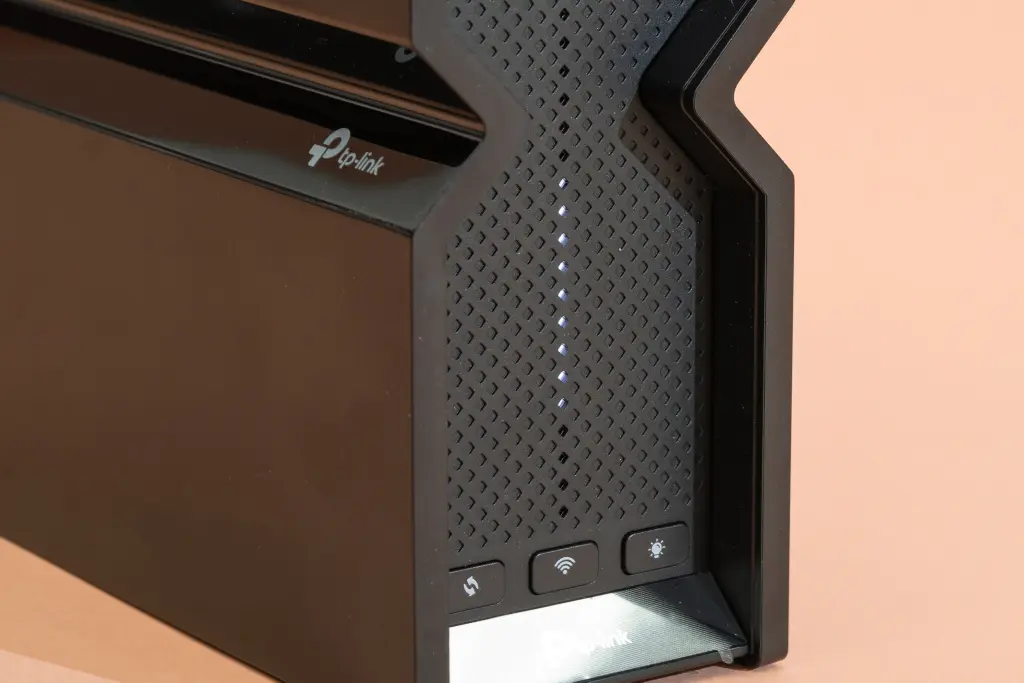
Below are the common mistakes many buyers make when choosing a Wifi router:
Buying Based Only on Maximum Speed
Many people will choose to purchase a router based solely on maximum speed without consideration for how the router will perform in reality. It is important that the speed provided by the router matches the speed of your internet service plan matches the number of devices connected to the network in your home or office. If you do purchase a high-speed router but do not have an internet service that is capable of taking full advantage of the router’s speed, you may be wasting money.
Ignoring Coverage and Layout
A router may perform well in a small apartment but may not be able to provide strong performance in a multi-story house due to interior walls and floors, and other types of interference. This creates dead spots for the Wi-Fi signal. Mesh Wi-Fi systems or additional Wi-Fi access points should be considered if you plan on utilizing Wi-Fi in a larger space to ensure solid coverage throughout the building.
Overlooking Device Capacity
Many routers handle multiple devices very differently. Some older or inexpensive routers become very slow as multiple devices are connected to the router. If you do not consider how many devices will be used concurrently on the network, you may experience performance issues if there are frequently many devices connected to the network simultaneously in a busy house or office environment.
Focusing on Features You Don’t Need
Paying for features you don’t need is one of the costliest mistakes you can make. Many high-priced routers come with extended features such as tri-band connectivity, VPN capacity, and gaming solutions. However, the majority of consumers will not make use of these functions; having them included with the router will result in a loss of value. Ultimately, you should have your router closely aligned with what you need it to do.
Neglecting Security Updates
Many people don’t check if a router’s firmware is compatible with regular updates. Routers that do not receive consistent updates will eventually be susceptible to hackers and spyware. Therefore, purchase only those routers that offer continuing manufacturer support along with automatic updates.
Quick Buying Checklist Before You Buy a Wifi Router
Below is a quick checklist before buying a wifi router:
- Identify which Wi-Fi Option works best for your device.
- Determine your layout and the amount of space to cover (either with one router or with multiple routers).
- Find out how many devices will be connecting to your router at the same time.
- What type of frequency band do you use? Single, Dual, or Tri-band.
- What type of security features do you require? WPA3 Sec, Guest Network, Automatic Updates
- How many Ethernet ports will you have? Do you need multi-gig speed? Any USB ports?
- What are some useful features to add (QoS, parental controls, use of a VPN, mesh compatibility)?
Conclusion
Before selecting a router for your home or office, ensure that it has all the features you desire. A low-price option is not necessarily your best choice, and the highest-priced choice may not be the best. When determining which router will work best for you, consider how each will provide a reliable connection to all your devices!
For more information about technology, gadgets, tech tips, and device reviews, check out Newnewstrend for their latest posts and articles. Stay tuned for more