
These days, smart devices seem to be everywhere. From smartphones, smart TVs, and security cameras, to speakers and home appliances, which are all connected to provide convenience every day. But with the convenience of these smart devices also comes the potential for unauthorized access to an individual’s personal information. Many people don’t even think about it.
To secure your smart devices, you do not require complicated settings or advanced technical skills. Rather, it involves awareness of how smart devices operate and making a few smart choices that help in protecting privacy while also providing convenience on a daily basis.
This article provides practical, realistic options for keeping smart devices secure in 2026 without technical complexity.
Table of Contents
What Smart Device Security Really Means Today
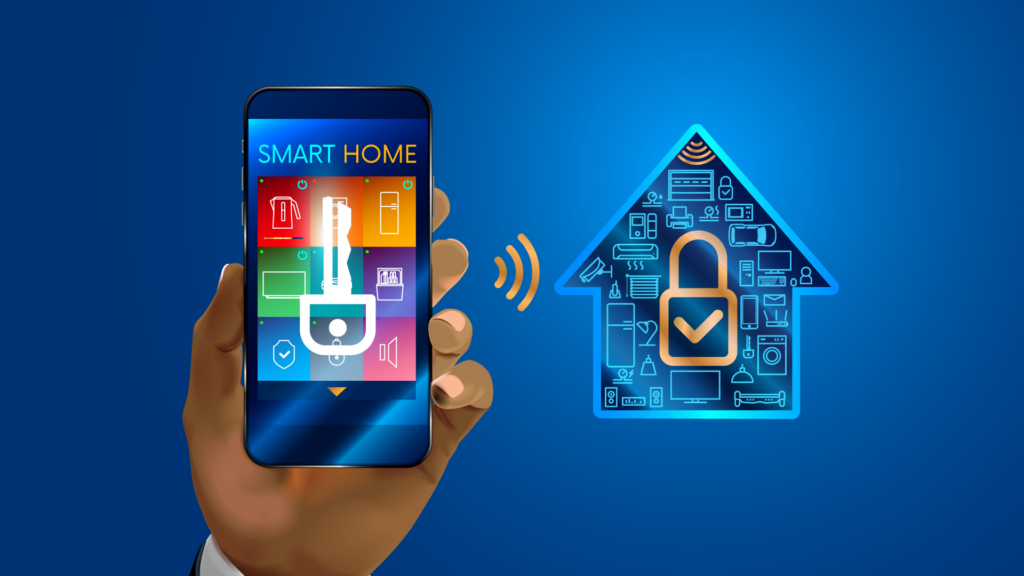
When people hear the word security, they often think of serious hacking or complex tech tools. Meanwhile, it involves protecting your personal information along with controlling the ways that device can access that information. All smart devices gather some information (be it location, usage habits, voice recordings, account details, etc.), often without the consumer even realizing it.
In 2026, smart security is less about installing additional software and more about being mindful of your surroundings. Also, being aware of which devices you are using, what type of access they have to the information you have given them (like GPS tracking), and how often they update will all help to keep you secure. Security for smart devices isn’t just something you set up and walk away from; it is creating habits.
Simple everyday actions such as reviewing permissions, updating software, and securing networks can help reduce the risks associated with the convenience afforded by smart devices.
Why Smart Devices Are More Exposed in 2026
The emergence of smart devices has greatly increased the number of connected devices within homes, leading to increased security exposure for consumers. As more devices are connected to a household and share cloud accounts and mobile applications, the reduced level of convenience associated with these platforms will create an increased number of vulnerabilities. In many cases, a compromise made to one smart device may have repercussions on multiple devices, impacting the ability to maintain privacy or their personal data.
Smart devices make it easier for consumers to access and utilize their devices thanks to conveniences features like automatic updates, cloud-based application backups, and remote access. However, they also create new and additional points from which consumer data can be accessed or shared inadvertently. Even those smart devices that may not seem complicated (e.g., smart light bulbs, thermostats, etc.) can be used to transmit details about consumer activity, patterns, etc. Therefore, know that smart devices are always communicating to each other, and, in many cases, behind the scenes.
With the overall growth of smart ecosystems and interconnected applications, the security is only as secure as the weakest smart device on that particular smart network. If you have older smart devices that are not receiving regular updates, or if you are not maintaining secure credentials, this is an open door for hackers to gain access to your network. Being aware of this larger picture(i.e., a smart home represents a network of smart devices) is the first step to adopting smart strategies in your home.
How to Secure Your Smart Devices
Here are eight detailed ways to guarantee smart device security:
Keep Software and Firmware Updated
Smart devices use software for operation. So, ensure that your smart devices have up-to-date software and firmware. Some updates include security patches, so if your device does not receive these updates, hackers can exploit vulnerabilities. For example, if you leave your smart camera in place and fail to update it, someone could connect to it and view your video stream.
Most devices permit automatic software updates. However, you should double-check to make sure that your devices are updated, especially those that contain sensitive data, including your smart locks or your whole home security system. A few weeks of not updating your devices will expose you to security issues.
Use Strong, Unique Passwords
Passwords serve as the first line of defense against cybercriminals hacking your accounts. Therefore, use strong and unique passwords on every account and device you have. Unfortunately, many people use the same password across their multiple devices. If someone hacked into one of your devices, all of your accounts could become compromised.
Password managers can help you to create and store these passwords securely and generate them automatically. By taking this small step, your chances of unauthorized access are dramatically reduced.
Enable Built-In Security Features
Many smart devices include integrated security (e.g., 2FA or two-factor authentication, device lock, and security alert) features. However, many people fail to utilize. Enabling 2FA on your smart lock or cloud camera will provide you with another level of protection against unauthorized entry, even if someone knows your password.
Enabling these features is one of the simplest methods for creating an immediate increase in the overall level of security.
Review App and Device Permissions Regularly
Over time, your smart devices will accumulate app permissions that provide access to your microphone, camera, location, and personal accounts. Most apps are granted permissions they do not actually need. By regularly reviewing and fixing permissions, devices will not have access to anything except necessary. This minimizes exposure.
For example, when a smart speaker does not have access to the microphone whenever not in use; it substantially reduces the privacy risk without compromising its main funtions.
Secure Your Home Wi-Fi Network
Your home Wi-Fi network allows access to all devices hooked up to it. So ensure you choose strong and unique passwords to protect access, and make sure to use current encryption protocols (like WPA3 if your router supports WPA3, etc.). If available, create a separate guest Wi-Fi network just for smart devices to keep them isolated from any sensitive or personal accounts such as banking accounts or work computers.
Additionally, maintaining basic router “hygiene” will significantly help to improve your security; things like turning off WPS and regularly updating firmware will greatly reduce your security vulnerabilities. Therefore, a secure Wi-Fi network is the foundation for smart security.
Remove or Reset Devices You No Longer Use
Old devices or forgotten gadgets often retain access to your accounts or personal data. Factory-reset any device you’re not actively using, and remove old devices from your accounts. This step prevents unused devices from becoming weak points in your network. For example, a smart TV that was never reset before being sold could still be linked to your streaming accounts or cloud storage, exposing personal information.
Obsolete or forgotten devices often retain access to your accounts and/or personal information. Factory reset obsolete or non-working devices; and delete any obsolete devices from your accounts so that they cannot be weak spots in your network anymore.
For example,if a smart TV has not been reset to factory defaults before selling, it could still be connected to your streaming service and/or cloud storage. Thus, personal information could still be found on the hard drive of the smart TV if it was not reset before selling.
Be Careful With Public and Shared Networks
Be cautious! Using public Wi-Fi or shared networks exposes your smart devices to potential cyberattacks. When using these networks, refrain from logging into sensitive accounts or using your smart devices unless they’ve been secured through encryption. If you work on laptops that sync with sensitive information or do remote work, consider using an encrypted VPN connection to provide additional security.
Choose Devices With Long-Term Security Support
If you purchase new smart devices, choose manufacturers that offer strong track records of supplying on-going support through regular updates and long-term commitment to updates. When manufacturers provide this active support, it’s less likely that their products will develop security vulnerabilities over time.
Purchasing products with an ongoing support policy not only protects you from hackers but also makes your devices last longer, this a sense of comfort that you aren’t taking unnecessary risks as technologies continue to grow and develop.
Monitor Your Accounts and Device Activity
You should always check your devices regularly for unexpected logins or activity. Most smart devices possess logs or notifications for fisjhy activties. Detecting early allows you to take proper actions before issues become larger problems.
For example, if your smart camera logs entries from unrecognized devices, you could immediately conduct a password update and modify the device’s settings.
Educate Yourself About Emerging Threats
As technology continues to evolve, so do possible risks associated with that technology. Remaining current with the general vulnerabilities, recalls, or security alerts associated with your smart devices is essential to ensuring you are making the most informed decisions.
Reading tech-related articles, following reputable blog authors like Newnewstrend, who have experience in the field, or subscribing to security updates directly from manufacturers will lead to making smarter choices when it comes to using your smart technology.
What is the Role of Cloud Services in Device Security?
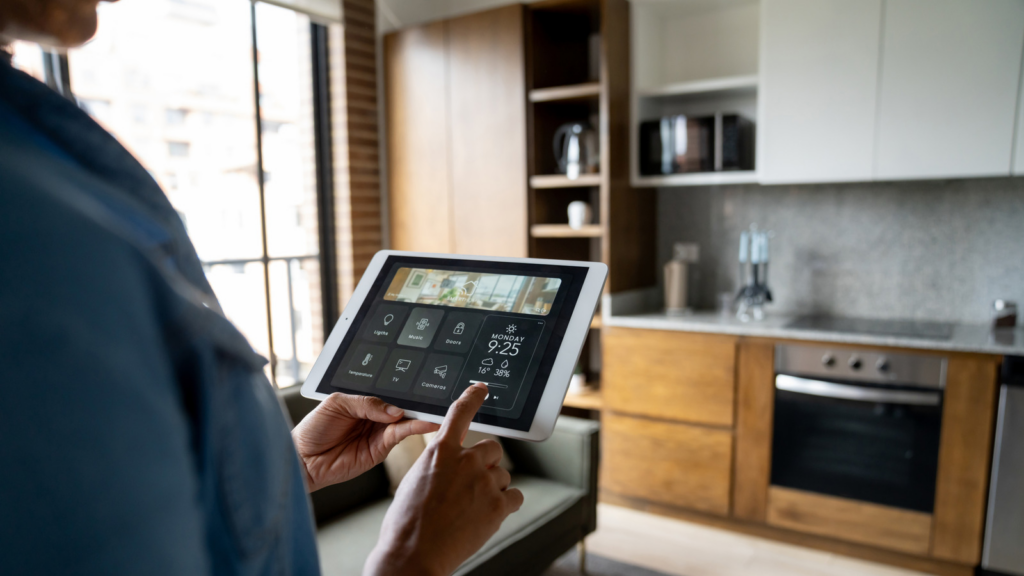
Cloud services are essential to the proper function of many smart gadgets. The cloud allows you to store video clips of security camera footage or to sync your data between your smartphone, tablet, and smart speaker; making your gadgets more convenient and flexible than ever. You can check your gadgets remotely, receive notifications in real-time, and back up your important information, all due to a connection to the cloud.
However, this conveienve comes with securiity implications. When a hacker gains access to your cloud account, you put all of the devices that are connected to that account in jeopardy. Hackers can find information stored in the cloud, watch what you are doing online, or even have the ability to control your devices remotely. Therefore, securing your cloud accounts is just as important as securing your actual gadgets. Take the following steps to to ensure the security of your devices that are connected to the cloud:
- Use strong and unique passwords for each of your accounts.
- Whenever possible, enable two-factor authentication (2FA).
- Regularly review your account for any unusual or unknown access.
- Limit the cloud-based permissions only to what your devices need.
Signs Your Device May Have Been Compromised
Even if you are very careful with your devices there are times when they may still come under attack. There are many signs that may indicate that your device has been compromised and issue and knowing about them can help you take action before a serious problem arises. Here are some of the most common signs to look for:
- Unusual Behavior: If your device routinely opens or closes apps by itself or if your device randomly turns itself off and on or presents strange notifications, this could indicate a device has been accessed without permission.
- Slow Performance: A sudden decrease in performance on your device could mean that you are running hidden processes or have malware on your device.
- Unexpected Account Activity: If you receive login alerts for unknown locations, password-reset alerts, or unauthorised purchases, this is a strong indicator that your device has been compromised.
- Strange Network Traffic: If you notice that your device is sending large amounts of data to an unknown destination, this could indicate that someone is remotely accessing your device.
- Alerts from Security Features: Most smart devices will issue alerts if they detect unusual activity on your device. It can be someone attempting to login to your account multiple times or if there are new devices connected to your network. Therefore, if you choose to ignore these types of alerts you are putting yourself at risk.
Balancing Convenience and Privacy
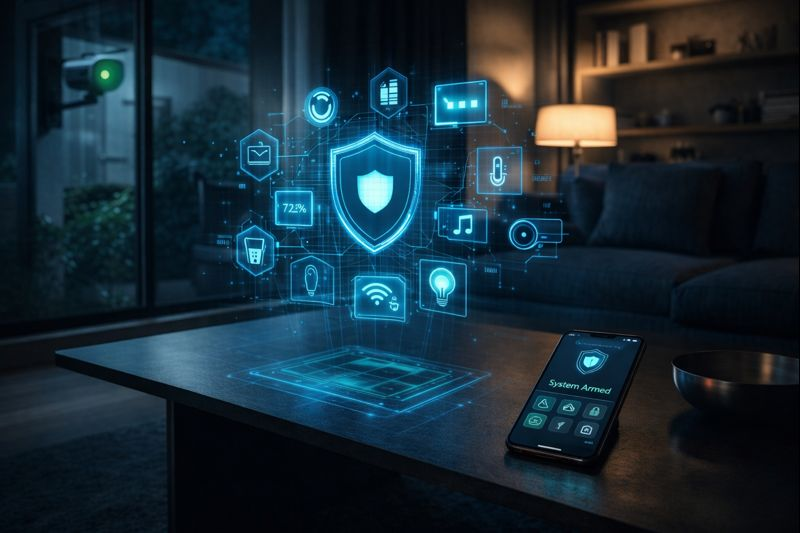
The challenge with smart gadgets today is finding a way to strike the right balance between convenience and privacy. These devices are primarily meant to make your life easier. It ranges from using a voice assistant to answer questions almost instantly to having home security cameras keeping an eye on your house. However, the more features you have on, the greater the amount of information and therefore the more data that the device collects from you.
The best way to do this is through being intentional about how you use your devices. You don’t have to turn off features or not use your devices to stay safe and secure with your data. You need to know what you actually want to accomplish with each device and understand what type of data it collects, so that you aren’t providing access to a device or account that you do not want others to have access to.
Also consider who else might be accessing your account. Did you share your account credentials with your spouse/partner? Have family members used your account on numerous occasions? Are you using an account that multiple service providers have access to? All of these things could increase the risk of someone gaining access to your sensitive data. Therefore, establish clear boundaries in order to enjoy convenience with your smart devices while still maintaining the security and confidentiality of your personal and sensitive information.
Common Security Mistakes
Even the most tech-savvy users make simple mistakes that put their smart home devices at risk. Fortunately, all of these mistakes can easily be corrected once you realize that they are mistakes. Here are some common security mistakes:
- Using Default Passwords: Most smart devices are sold with a manufacturer’s default password that is easily guessed. Failing to change this password is one of the most frequently-committed security mistakes made by users today.
- Ignoring Updates: Failing to install software/firmware updates and security patches can leave known vulnerabilities unpatched and provide an easy target for hackers to exploit.
- Reusing Passwords Across Devices: Using the same password for multiple devices or accounts presents an increased risk. If one account is hacked, all other accounts that share that same password are also compromised.
- Sharing Access Too Widely: Allowing multiple family members, roommates, or service accounts access to a device increases the risk of exposing that device to unintended targets.
- Neglecting Old Devices: Unused or forgotten devices that still retain the login information for the original owner can be used by anyone who finds that device. Failure to reset them is a common mistake made by users.
- Overlooking Network Security: Users tend to focus on their device settings but in actuality, an unsecured Wi-Fi network can render any security protection provided by the user or their devices ineffective.
Conclusion
Keeping your smart devices secure doesnt have to too complicated. . You can achieve this by developing simple daily habits, such as updating your software, using strong passwords, verifying app permissions, and securing your network. As you develop these habits, you are protecting your privacy and data from unauthorized access and use by third parties.
Smart device security is not about eliminating all potential threats; rather, it’s about being knowledgeable, making wise decisions, and taking the initiative to protect yourself. This will help you enjoy convenience without worry.
Do you need more guidance and practical tips on technology and smart living? At NewNewsTrend. we offer assistance for the latest technologies and smarter lifestyles.
FAQs
1. Can smart devices really be hacked easily?
Yes, smart devices can be vulnerable to hackers if they remain unprotected, especially if updates are not done or if the default passwords are still intact. Following basic security practices will significantly lower your risk of being hacked.
2. Do smart devices need antivirus software?
Smart devices generally use built-in security features and receive updates, which usually do not require an antivirus. For day-to-day security protection, securing your home network and using good passwords is more important
3. How often should I update my smart devices?
You should install updates as soon as they become available, especially any relating to security. Regularly updating your smart devices will minimize the likelihood of having a vulnerability that can be taken advantage of.