
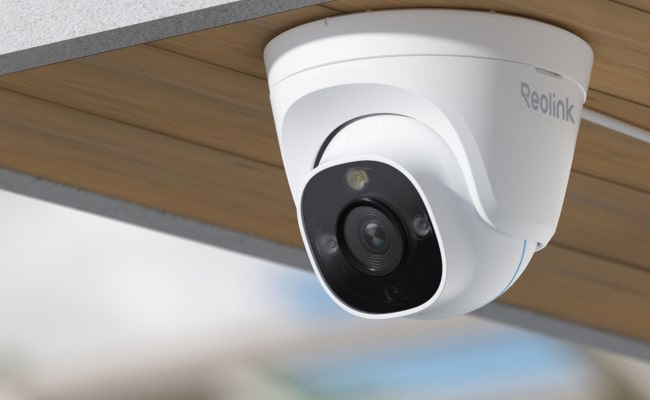
A home security camera buying guide is important as cameras have become important tools to keep homes safe in recent times. Homeowners have been able to use cameras to monitor their homes, deter burglars, and communicate with people in the house. The right security camera will ultimately provide numerous benefits, including peace of mind.
However, finding a camera that suits your needs is not as easy as it seems. There are different types of cameras, sizes, and features available on the market. In some cases, you may end up paying for features that are not necessary, and other times, you may end up missing out on features you would have wanted.
This comprehensive guide explains everything you need to know before buying a home security camera, including features, types, cost, and much more.
Table of Contents
How Do Home Security Cameras Work?
Home security cameras help in monitoring activity, recording video footage, and giving homeowners the ability to check their properties remotely. Security cameras capture video through a camera lens and process that video with internal sensors. It may stream it live, record it for later viewing, or do both.
Most home security cameras connect to the home Wi-Fi network to allow access to live and recorded footage from a mobile app or web dashboard. When it detects movement, a security camera will automatically record a clip and send you an alert to your smartphone. This way, people will be able to respond quickly to unusual events even when they are not home.
Recorded video is either stored in cloud storage or local storage, like an SD card or a hub installed in your own home. Cloud storage makes your recordings accessible from anywhere, but you may be charged for cloud storage on a monthly basis. Using local storage allows you to store your recordings locally for added privacy.
Types of Home Security Cameras
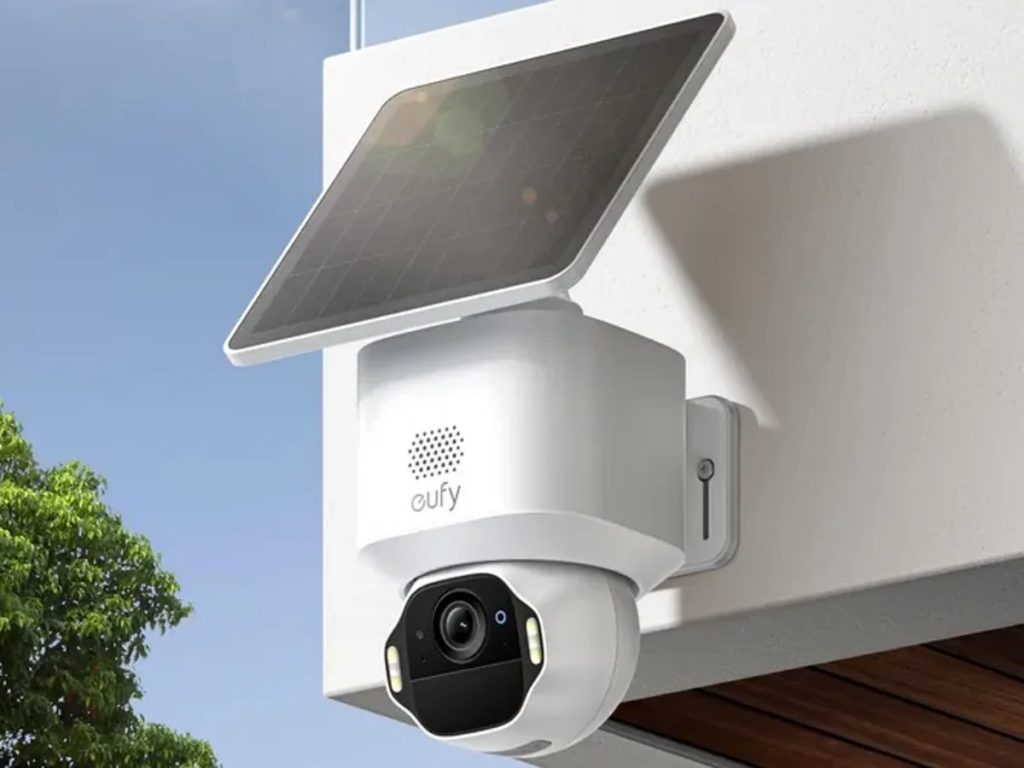
There are different types of home security cameras, with each havinga distinct purpose. Choosing the right type contributes to an effective home security system. Here are the different types:
Indoor Cameras
Indoor cameras are built for monitoring home activities. They are suitable for observing nurseries, living room or shared spaces. In addition, many indoor camera systems have features like two-way communication so that you can interact with other family members and/or pets through your indoor security camera system.
Since indoor cameras do not have to withstand the weather elements, they are not waterproof, and they are smaller than outdoor cameras. Normally, it is advisable to place indoor security cameras only in public areas and never in private areas, such as a bedroom.
Outdoor Cameras
Outdoor cameras are designed and built to withstand the weather elements while securing your property. Outdoor cameras are weatherproof and durable. They also come with features like night vision or mmotion-detectingfloodlights. This helps to monitor driveways, entrance halls, and surrounding backyards during the dark.
Additionally, outdoor cameras usually have a larger field of view than that of an indoor camera, allowing them to have a broader coverage area and to help to deter trespassers or burglars from entering a property.
Wired vs. Wireless Cameras
A wired camera has a permanent connection to the electrical outlet your house uses, as well as the network to which your home is connected and where the camera is placed. With a wired camera, you can count on a constant supply of power, good performance, and continuous recording. A wireless camera gets its power from a battery or Wi-Fi network.
You can set them up quickly and easily anywhere you want to install them. Wireless cameras have some limitations, however, and typically do not hold up as well for long-term use as wired cameras do, especially when you need to monitor a very large area.
Video Quality: What Resolution Do You Really Need?
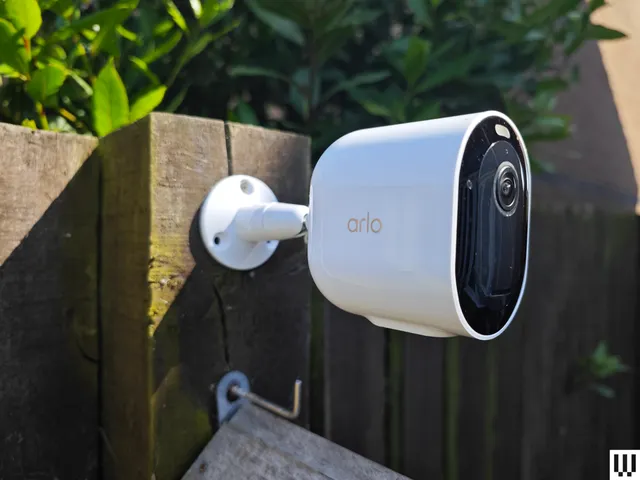
Video quality is one of the essential factors to consider when choosing a home security camera. Higher resolution allows cameras to capture better detail, which is important if you need to identify a person’s face, license plate, or any other relevant detail. Video quality is typically measured in pixels; common pixel resolutions for cameras include 1080p (also known as Full HD), 2K, and 4K.
If you are looking for an indoor or small area monitoring camera, a 1080p camera is good enough to give you clear video at a lower cost. The 2K camera provides better detail than the 1080p camera and is recommended for outdoor monitoring or monitoring a larger area where detail is important. The 4K camera is the best option because it provides the best clarity.
However, you need a fairly large amount of memory to accommodate the larger quantity of recorded video, and you will require greater bandwidth from your Wi-Fi network to stream that video continuously without interruption. You must also take into account your storage capacity and the reliability of your home network when determining which camera to purchase.
Beyond resolution, video quality is affected by many other factors, such as frame rate and image compression. The higher the frame rate of a camera, the more smoothly it will capture motion; this makes moving objects much easier to see on the video captured by the camera. Certain cameras have advanced compression methods that allow them to minimize how much memory is consumed and maintain sufficient clarity for use.
Field of View and Coverage Area
A camera’s field of view (FOV) determines how far away one can monitor an area from the camera’s location. The wider the FOV, the more area you can cover with a single camera and therefore need fewer cameras to monitor a room or outdoor area. The downside is that cameras with very wide angles can sometimes distort the image by making everything appear smaller or altering the proportions of what is in view. You must balance coverage with clarity when determining what type of FOV to use and where you plan to install your camera, as well as what you want to monitor.
The area you cover also depends on the location of the camera itself. For cameras within a building, maximizing your coverage area can be accomplished by placing the camera in a corner of the room or high up on a wall. Cameras installed outdoors should typically focus their image area on areas of heavy foot traffic and areas that people typically frequently pass. Properly placing your cameras enhances your security measures and ensures you can monitor the areas you’re trying to protect.
Night Vision and Low-Light Performance
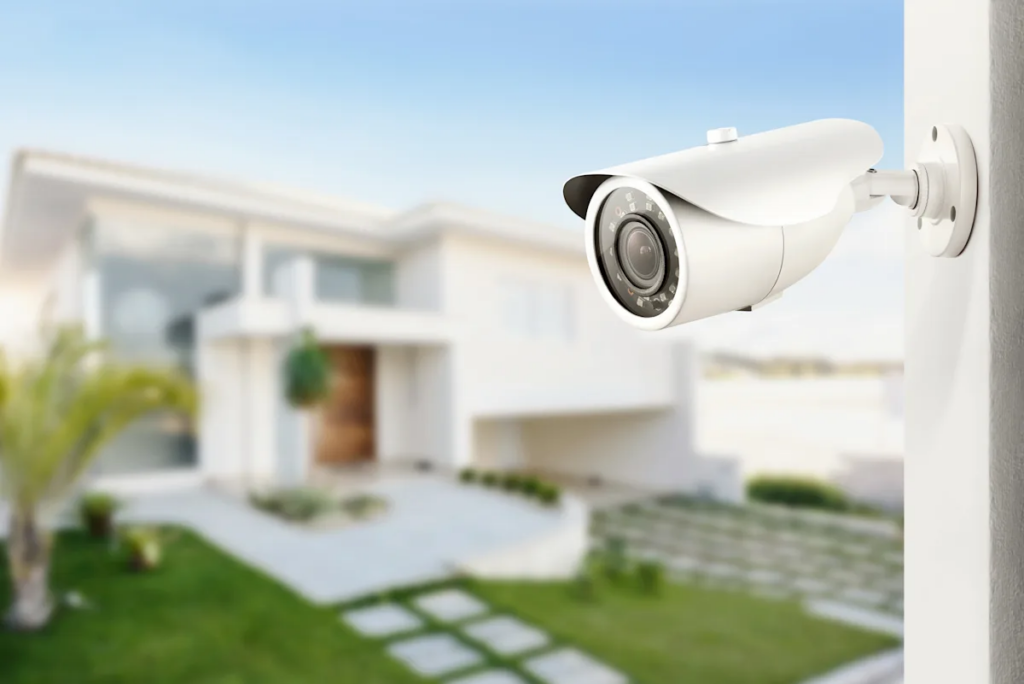
Night vision is important when it comes to home security security cameras. Many burglaries and suspicious activities happen when it’s dark outside, so having the camera be capable of capturing images in darkness is going to be crucial. Cameras equipped with infrared (IR) LEDs will be able to capture black-and-white video even in complete darkness. More advanced models may offer color night vision capabilities that allow for greater detail and context than what would be available from a regular camera in the light of day.
Not every camera will offer the same quality during night vision, so it is recommended to read through customer reviews or look at sample footage before making a purchase, especially for outdoor cameras. Low-light performance refers to a camera’s ability to produce a clear image without any additional light. Therefore, if you are using the camera to monitor an area such as a driveway, backyard, or hallway at night, you may want to consider purchasing a camera with good night vision and low-light performance.
Motion Detection and Smart Alerts
Modern day home security cameras come with a motion detection feature that is vital to the effectivenes. Once a camera has detected motion, it has the ability to automatically start recording or sending instant notification via text message or email. This feature allows for a swift response to any potential threat or monitoring your home when you are away.
Typical motion sensors are designed to report any movement, however, advanced motion detection systems utilize AI technologies to differentiate between humans, animals, and other objects to minimize the occurrence of false alarms.
Smart alerts can notify users of any unusual activity and are customizable, based on the zone being monitored and the level of sensitivity the user prefers. For example, if one wishes to receive notifications of motion occurring near their front door, but not receive notifications of motion that occurs on the street from passing vehicles, this can be achieved by configuring the system appropriately.
Audio Features and Communication
Latest home security cameras offer two way audio, giving you the ability to talk to and hear from people in your home using the camera via a mobile app. This feature is great for communicating with your family, pets or visitors when you aren’t physically present. This device can also serve as a deterrent to keep unwanted visitors out. If an intruder is able to hear you talking through the camera, they are likely to reconsider entering your property.
Although two-way audio is very helpful, you should realize that the quality of sound on various models of cameras will differ. Some cameras provide clearer audio than others. So when purchasing a camera, consider how important two-way audio is for your needs. Determine if this feature is imporatnt to your specific needs.
Storage Options and Ongoing Costs
Storage optipn is a crcail factor to consider before buying security home camera. Most cameras either have cloud storage, local storage, or a combination of both
Cloud Storage
Cloud storage gives you with the ability to view videos remotely from any location on earth. It’s a practical option for individuals who often travel or would like to verify that their residence is secure. A large number of cloud-based service providers require a monthly or yearly payment that will accumulate over time.
Local Storage
Local storage (i.e., SD card, dedicated hub) maintains your video recordings at your residence. Hence, you will not incur any on-going fees for using local storage and will have greater control of your data, however your accessibility to retrieve those videos while not at your residence may become limited.
Hybrid Storage
Some cameras offer hybrid solutions that allow both local and cloud storage, giving you the flexibility to choose based on your needs. Understanding these options helps you balance convenience, privacy, and cost when selecting a home security camera.
Certain types of cameras available on the market offer hybrid solutions (i.e., local + cloud) that will allow the user to store their video recordings either alternatively or simultaneously. Knowing these option will provide a better understanding of how to balance the level of convenience, the amount of privacy, and the overall costs.
Power Options and Battery Life
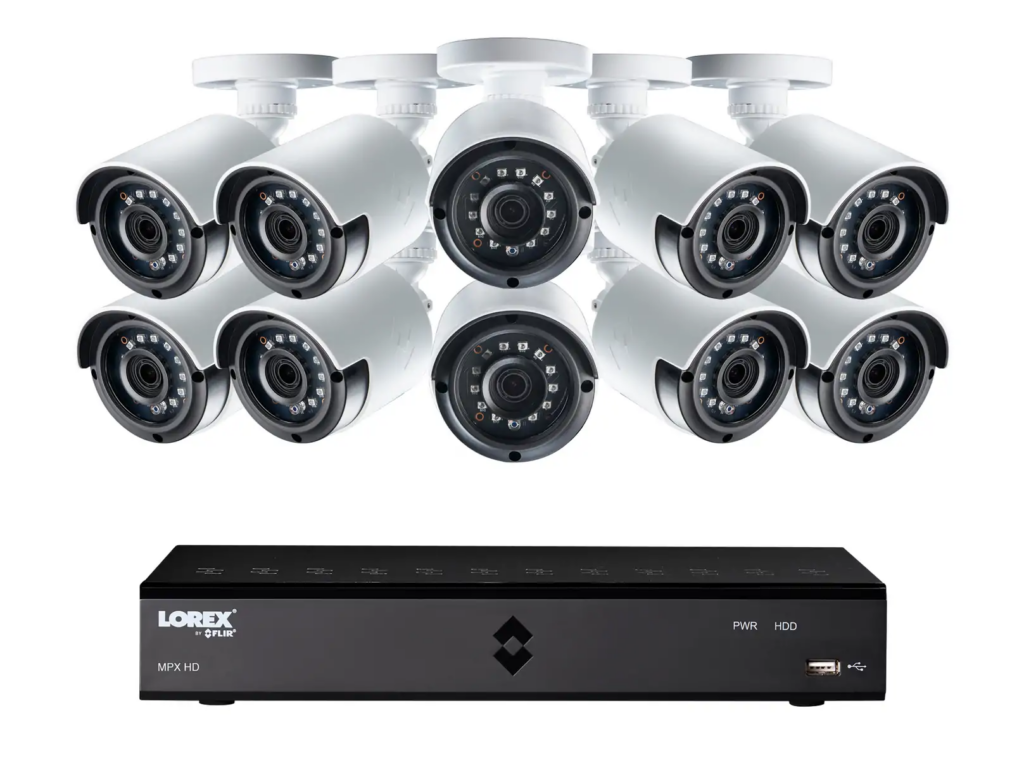
Below are the most common power options to consider before buying a home security camera:
Battery-Powered Cameras
Battery-powered cameras can be installed almost anywhere. They are essential, especially for renters or places where it is hard to run wiring. One drawback to battery-operated cameras is that you will need to monitor battery status and periodically recharge them. Additionally, the life of batteries can vary based upon features such as motion alerts and video resolution.
Wired Cameras
Wired cameras get their power from your home’s wiring, so there is no need to worry about battery life. In general, wired camera systems are more dependable for long term use. They work well in large homes or outdoors. The disadvantage of wired camera systems is that installation can be somewhat complicated and may include drilling and/or professional installation.
Solar-Powered Cameras
Some outdoor cameras come with solar panels, which will keep the camera powered without needing to be manually recharged. This is a generally low-maintenance solution that offers the best of both the wired camera’s stability and the convenience of battery-powered cameras. Solar-powered cameras are best for areas that receive plenty of sunlight throughout the year.
Privacy, Security, and Legal Considerations
Prioritizing the privacy and security of both yourself and those around you when selecting and installing a home security camera is extremely important. Strong passwords; preferably with two-factor authentication should be used to protect access to your footage and records from unauthorized third parties. Secure video footage on encrypted connections from your cameras also helps prevent unauthorized interception of your video feeds and record storage
Also,consider the privacy of others. Inform family members, housemates or guests that there are cameras in use in your home, and be sure not to place security cameras in private areas such as bedrooms or bathrooms. Education about the laws related to recording by video or audio because some jurisdictions have laws regarding recording without the consent of the recorded parties.
How to Choose the Right Home Security Camera for Your Home
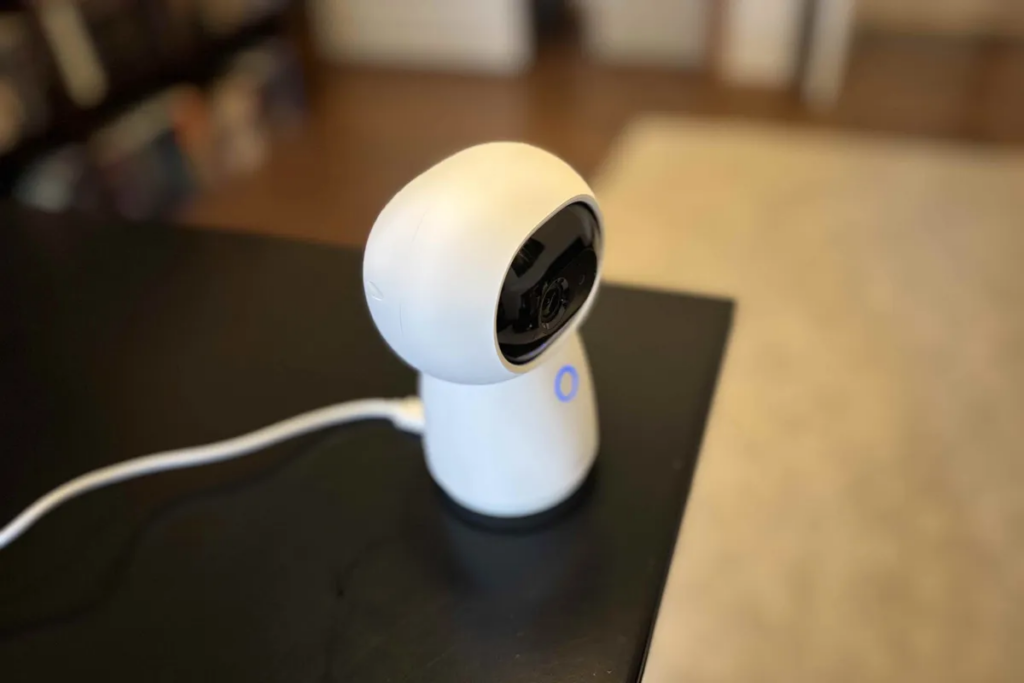
The kind of home also affect the choice of buying a home security camera. Here are suggestions for different home types:
Apartments and Rental Homes
Compact wireless cameras are usually a good choice for security, as they can be easily installed without drilling or modifying anything. You can also easily relocate them if you move. Indoor cameras usually work well when monitoring your entryways and other common areas while keeping out of people’s private places.
Single-Family Houses
Outdoor cameras are important for monitoring your driveway, yard, and front entrance. However, you will get the best security coverage with a combination of both indoor and outdoor cameras in your home. Wired or solar-powered cameras may be your best options as they will monitor the surroundings without running out of batteries.
Families and Multi-Occupant Homes
If you have children or elderly family members, installing cameras that have two-way audio may help you keep in touch with your family. You need to install your cameras in a way that provides security to your family and friends without encroaching on their right to privacy.
Large Homes and Properties
If your property has multiple access points, you may want to consider using a multi-camera security system to provide complete security coverage. To eliminate blind spots, strategically placing cameras throughout your property is critical for providing full monitoring coverage.
Home Security Camera Buying Guide: Budget
Your budget also determine the home security camera you will opt for. Here is a breakdown of the different budgets and what they offer:
Budget-Friendly Cameras (Under $100)
Entry-level cameras can provide your house all of the necessary functions for monitoring, including 1080P video and local storage for when motion detection. They are the best for renters or if you just want an extra layer of security for a small apartment or a single room in a home. While many of the more advanced features won’t be present on many of the basic entry-level models, they will still serve their intended purpose to monitor and keep a record of day-to-day activities in a household.
Mid-Range Cameras ($100–$300)
The cameras are generally considered to be a more advanced feature, thus providing a higher definition as well as options such as night vision , cloud storage, and two-way or app notification. If you are a homeowner and want to provide your house with an adequate level of surveillance without going broke, the mid-range cameras will meet that need and keep within the budget of most single-family or apartment dwellers who want their children protected.
Premium Cameras ($300 and Above)
Premium cameras (2K or 4K) contain multiple high-end features such as advanced AI motion detection, enhanced night vision, comprehensive app control, and long-lasting and very durable components. They work best for large properties and families, as well as anyone wanting the latest in high-end surveillance equipment that will give you additional options like the ability to integrate with other home automation systems. Most premium models also come with the ability to receive professional monitoring services, providing peace of mind.
Final Checklist Before You Buy
Here is a final list of things to note before making your purchase:
- Decide what surrounding areas of your house need to be monitored, and which features need to be included in that space.
- Identify cameras for either indoor, outdoor, wired, or wireless options that will work in your house.
- Verify the resolution and night vision of the camera that meets your needs based on what you will be monitoring.
- Select between a local, a cloud, or a hybrid option depending on your privacy requirements and budget.
- Select battery, wired, or solar options based on your location and which is easier for you to have access to.
- Determine the availability of 2-way audio, app access, motion alerts, and compatibility with smart home systems.
- Compare features and prices to determine which cameras provide the most useful features for your money while not overspending on your purchase.
Conclusion
Choosing the right home security camera helps protect your home, family, and belongings. Focus on features, placement, and budget to find a system that fits your needs.
Check out NewNewstrend for more expert reviews, buying guides, and tech tips. We offer expert evaluations to help you make informed decisions.
FAQs
1. Do home security cameras work without Wi-Fi?
Depending on the type of camera, yes, however in most cases you will not be able to monitor your property in real time from another location as all modern cameras require access to the internet to connect to your computer or smart device and to send alerts.
2. Are cloud storage subscriptions mandatory?
It depends on what type of camera you purchase; some cameras have the capability to store the video footage on the camera itself (using an SD card) or to send it to a central hub/recorder. Cloud storage is convenient, and does provide a form of backup storage however, it typically is a paid service. Determine based on privacy, budget, and the frequency remote access
3. How many cameras do I need for my home?
This depends on the size of your property, and how many specific areas you want to monitor or cover. If you live in a small apartment, you may only need one or two cameras to cover your residence. If you live in a stand-alone home, you may need a combination of interior and exterior cameras to provide complete coverage for your home.